AI Agents, MCP & Workflow Automation
Agents that plan, use tools and finish real tasks, connected to your systems through MCP.
- Ideal for
- Repetitive, multi-step work that follows rules but needs judgement
- Core stack
- LangGraph, LangChain, MCP, OpenAI, Gemini, FastAPI
- You get
- A reliable agent with tools, guardrails and tracing
The short version
AI agents that plan, call tools and complete real work: LangGraph and multi-agent systems, Model Context Protocol (MCP) servers that connect AI to your tools and data, and automated business workflows.
Agents are scoped to clear jobs with guardrails, so they automate work without taking unsafe actions.
- LangGraph Agents & Multi-Agent Systems
- MCP Servers, Tool Calling & Automation
In short
- Agent design patterns: ReAct, plan-and-execute, router, supervisor and multi-agent collaboration
- Stateful agents with LangGraph: checkpoints, retries, human-in-the-loop approval
- Model Context Protocol (MCP): custom MCP servers exposing tools, resources and prompts to AI clients
- Tool and function calling with schema validation, permissions and safe execution
- Workflow automation: document processing, email and HR workflows, reporting and data agents
What you get
Agent workflow design
The task broken into steps, tools, decision points and approval gates.
Agent application
A LangGraph agent or multi-agent system with state, memory and error handling.
MCP server
Your tools and data exposed through the Model Context Protocol for AI clients.
Integrations
Connections to email, spreadsheets, databases, CRMs and internal APIs.
Evaluation & tracing
Task success measured on test scenarios, every step traced in Langfuse.
Key services & features
Scroll through what this service covers. Each capability is explained in technical depth further down.
Single & multi-agent systems
One focused agent or a team of specialised agents coordinated by a supervisor.
Stateful workflows
LangGraph graphs with checkpoints, retries and resumable long-running tasks.
MCP servers
Model Context Protocol servers that give AI assistants safe access to your tools and data.
Tool & function calling
Typed, validated tool calls with permissions and safe execution.
Human-in-the-loop
Approvals before sensitive actions such as sending email or changing records.
Business automation
Document processing, HR screening, reporting and data analysis on autopilot.
Technical deep dive
The methods and terms behind the work, for technical teams who want to know exactly how it is built. Open any group to explore.
Agent design patterns
The pattern is chosen by how predictable the task is.
- ReAct
- The agent alternates reasoning and tool use until the task is done.
- Plan-and-execute
- A planner writes the steps, an executor carries them out, and the plan is revised if a step fails.
- Router
- Classifies each request and sends it to the right specialised chain or agent.
- Supervisor / multi-agent
- A supervisor delegates to specialist agents (researcher, analyst, writer) and merges their work.
- Reflection
- The agent reviews its own output against criteria and improves it before returning.
- Deterministic workflow first
- Fixed steps where possible, agentic freedom only where judgement is really needed.
Model Context Protocol (MCP)
An open standard that lets AI applications connect to tools and data through one consistent interface.
- MCP server
- A service that exposes your capabilities to any MCP-compatible AI client.
- Tools
- Actions the model can call, such as querying a database or creating a ticket, with typed inputs.
- Resources
- Read-only data such as files, records or documents the model can load as context.
- Prompts
- Reusable prompt templates the server offers to clients.
- Transports
- Local (stdio) and remote (HTTP streaming) connections between client and server.
- Security
- Authentication, least-privilege scopes, input validation and audit logs on every call.
Reliability
What makes an agent safe to run on real work.
- State & checkpoints
- LangGraph persists state so tasks survive failures and can be resumed or replayed.
- Memory
- Short-term conversation memory and long-term memory of user preferences and facts.
- Guardrails
- Allowed actions, spending and rate limits, and validation of every tool argument.
- Human approval
- Interrupts before irreversible actions, with the full context shown to the approver.
- Agent harness
- A test harness of scenarios that measures task success and catches regressions.
- Tracing
- Every thought, tool call and result recorded in Langfuse for debugging and audit.
How we work together
Discover
A call to understand the goal, the users and the data. I tell you honestly whether AI is the right tool.
Design
Scope, architecture, data flow and success metrics agreed in writing before any build starts.
Build
Iterative development with demos every week, so you see working software early and steer it.
Evaluate
Tested on real questions and real data against the agreed metrics, not just a happy-path demo.
Deploy
Shipped to your cloud or server with Docker, monitoring and documentation.
Support
Handover, training and optional ongoing improvements as usage grows.
Tools & technologies
Agents
- LangGraph
- LangChain
- Phidata
- CrewAI
Protocols
- MCP
- Function calling
- REST APIs
Models
- OpenAI
- Gemini
- Llama
Ops
- FastAPI
- Docker
- PostgreSQL
- Langfuse
Where this fits
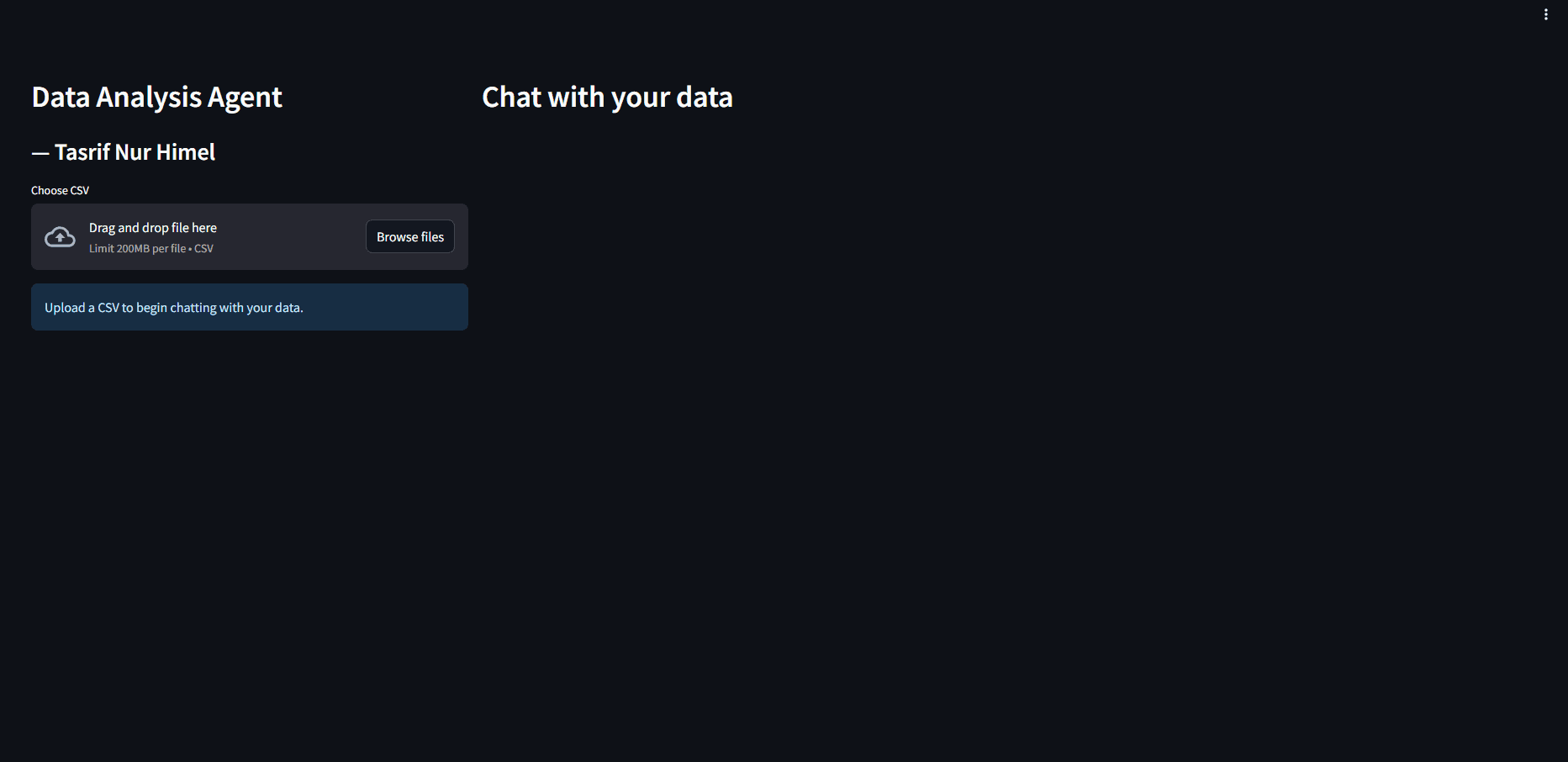
Data analysis agent
Upload a CSV or Excel file and ask questions in plain language to get charts and statistics.
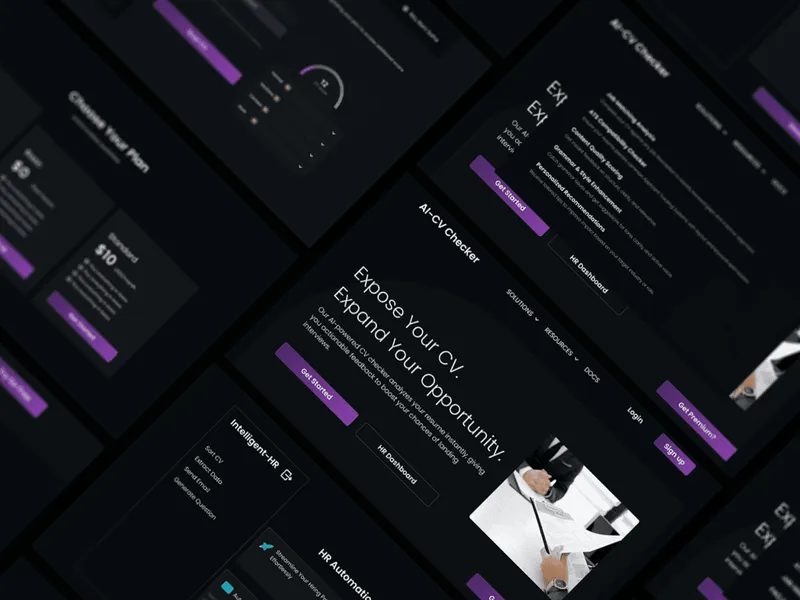
HR screening workflow
Screen CVs, generate interview questions and contact candidates automatically.
Finance & reporting
Agents that gather figures and write report insights on schedule.
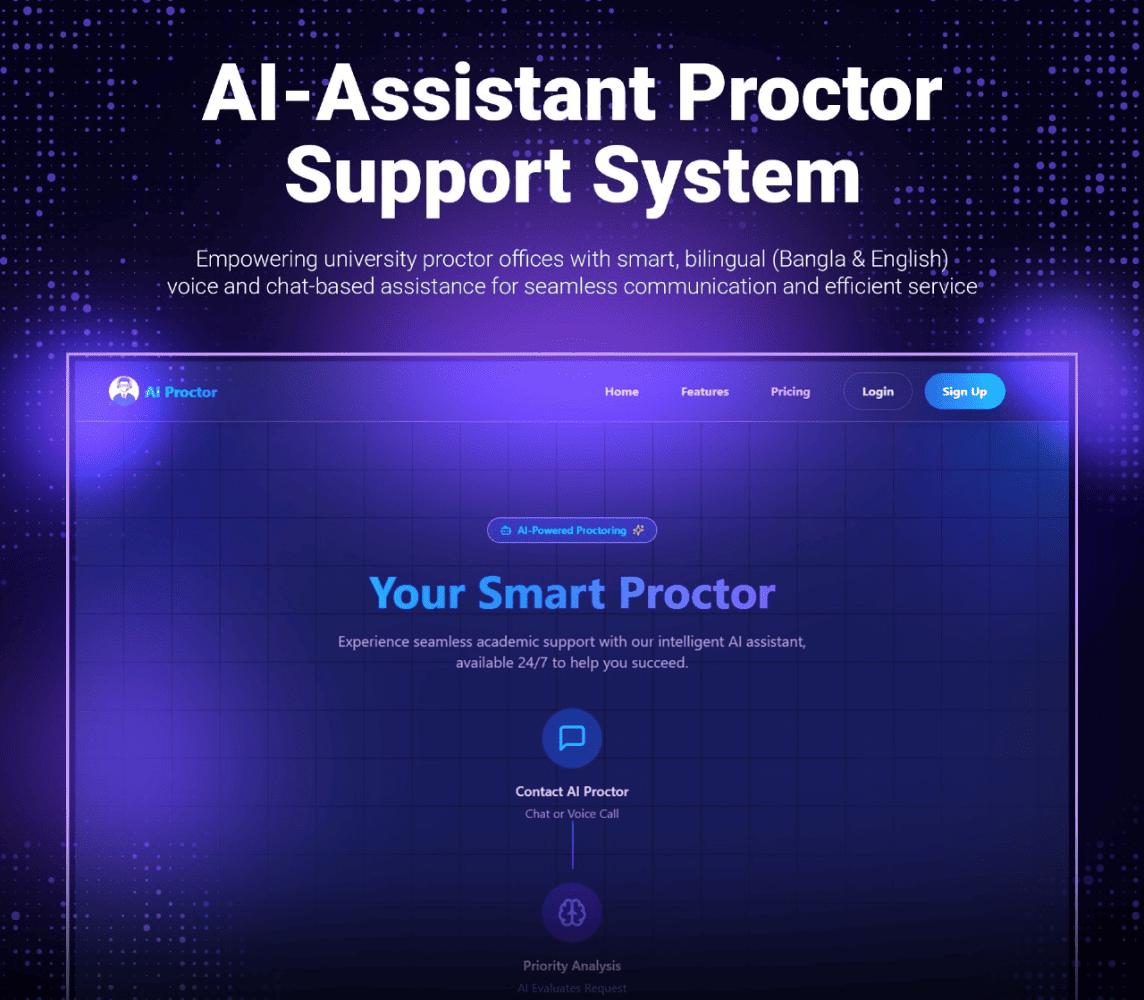
Internal tools over MCP
Let your team's AI assistant query systems and take approved actions.
Related projects
Real systems built with this service, each with a full case study.
Common questions
- What is MCP and why does it matter?
- The Model Context Protocol is an open standard for connecting AI applications to tools and data. Build an MCP server once and any compatible AI assistant can use your systems safely.
- Will an agent take actions without permission?
- Only the actions you allow. Sensitive steps such as sending emails or changing records can require human approval first.
- Agent or simple automation?
- If the steps are always the same, a fixed workflow is cheaper and more reliable. Agents are used where the task needs judgement or varies case by case.
Have an AI problem worth solving?
Tell me what you are trying to build. I will tell you honestly whether AI is the right tool, what it would take, and how I would approach it.
Typical reply within 24 hours
Working from Dhaka, Bangladesh · remote worldwide